
Finding the best wifi router under 10000 in pakistan is easier than it looks: a good dual-band router under Rs 10,000 can cover a normal flat, handle video calls and streaming, and keep up with a PTCL fibre package of up to 100 Mbps. Match the router to your package speed and home size, and avoid two mistakes: slow 100 Mbps ports on a fast fibre package, and a single-band WiFi 4 router for a busy home.
Best WiFi Router Under 10000 in Pakistan at a Glance
The TP-Link Archer C6 is the best overall pick, at around Rs 8,849, with dual-band WiFi and Gigabit ports. Above 100 Mbps, the Ruijie RG-EW1300G at around Rs 8,499 is the better choice. On a tight budget, the Tenda AC5 V3 at Rs 5,600 to Rs 7,000 gives dual-band WiFi. The TP-Link XC220-G3 at around Rs 9,499 can replace the PTCL fibre device itself. For a small flat on a slow package, the Tenda N301 or TP-Link TL-WR841N at Rs 2,000 to Rs 6,000 will do. The D-Link DIR-825, listed at Rs 6,000 to Rs 12,000, is worth it only under Rs 10,000.
WiFi 4, WiFi 5 and WiFi 6 Explained Simply
WiFi 4, WiFi 5 and WiFi 6 are generations of wireless technology, and each newer one is faster and handles many devices better. WiFi 4 is the oldest and runs on the 2.4 GHz band only, with real speeds far below its 300 Mbps headline figure. It suits one or two users, but it struggles in a busy home. WiFi 5 adds the faster, less crowded 5 GHz band, with real speeds of several hundred Mbps. WiFi 6 handles many devices more smoothly, but genuine WiFi 6 routers cost more than Rs 10,000. WiFi 6E and WiFi 7 are not authorised or widely available in Pakistan yet.
The Best WiFi Router Under 10000 in Pakistan — 6 Picks Compared
1. TP-Link Archer C6 AC1200 — Best Overall
The TP-Link Archer C6, listed at around Rs 8,849, is the best overall pick. This dual-band AC1200 router offers up to 300 Mbps on 2.4 GHz and up to 867 Mbps on 5 GHz, and its Gigabit ports will not slow a 100 Mbps fibre package. See the official TP-Link pages at https://www.tp-link.com/ for specifications.
2. Ruijie RG-EW1300G AC1300 — Best for Fibre Above 100 Mbps
The Ruijie RG-EW1300G costs around Rs 8,499 and is the best pick if your fibre package is above 100 Mbps. This AC1300 dual-band router has Gigabit ports and offers up to 400 Mbps on 2.4 GHz and up to 867 Mbps on 5 GHz. Buy from a seller who gives a proper warranty.
3. Tenda AC5 V3 AC1200 — Best Value Dual-Band
The Tenda AC5 V3 is the value pick, listed at Rs 5,600 to Rs 7,000 depending on the seller. It is a dual-band AC1200 router with four antennas. Check whether the model on sale has Gigabit ports or 100 Mbps ports, because some versions ship with 100 Mbps ports. Tenda publishes its specifications at https://www.tenda.com.cn/.
4. TP-Link XC220-G3 — Best to Replace the PTCL Fibre Device
The TP-Link XC220-G3 costs around Rs 9,499 and is a fibre router with a built-in GPON port. That means it can replace the PTCL fibre device itself, giving you one neat device and full control over your WiFi settings. This helps if your PTCL device is old, keeps dropping the connection, or has weak WiFi. Before buying, confirm with PTCL or your seller that it works with your line.
5. Tenda N301 and TP-Link TL-WR841N — Cheapest Usable Routers
The Tenda N301 and the TP-Link TL-WR841N are the cheapest routers worth buying, listed at Rs 2,000 to Rs 6,000 depending on the model and seller. Both are WiFi 4 single-band routers with 100 Mbps ports. They suit one situation only: a small flat, one or two users, and a package of 50 Mbps or less. Otherwise, do not buy them. Stretch to the Tenda AC5 V3 if you can: dual-band WiFi makes a real difference.
6. D-Link DIR-825 AC1200 — Buy Only Under Rs 10,000
The D-Link DIR-825 is a dual-band AC1200 router with Gigabit ports and a solid record, but its price in Pakistan ranges from around Rs 6,000 to Rs 12,000. At Rs 6,000 to Rs 9,000 it is a good buy, with Gigabit ports that suit a fibre package up to 200 Mbps. Above Rs 10,000, it stops making sense: the Archer C6 and the Ruijie RG-EW1300G offer the same performance for less. If a trusted seller offers it under Rs 10,000 with warranty, take it; if not, pick the Archer C6.
Why Gigabit Ports Matter Above 100 Mbps
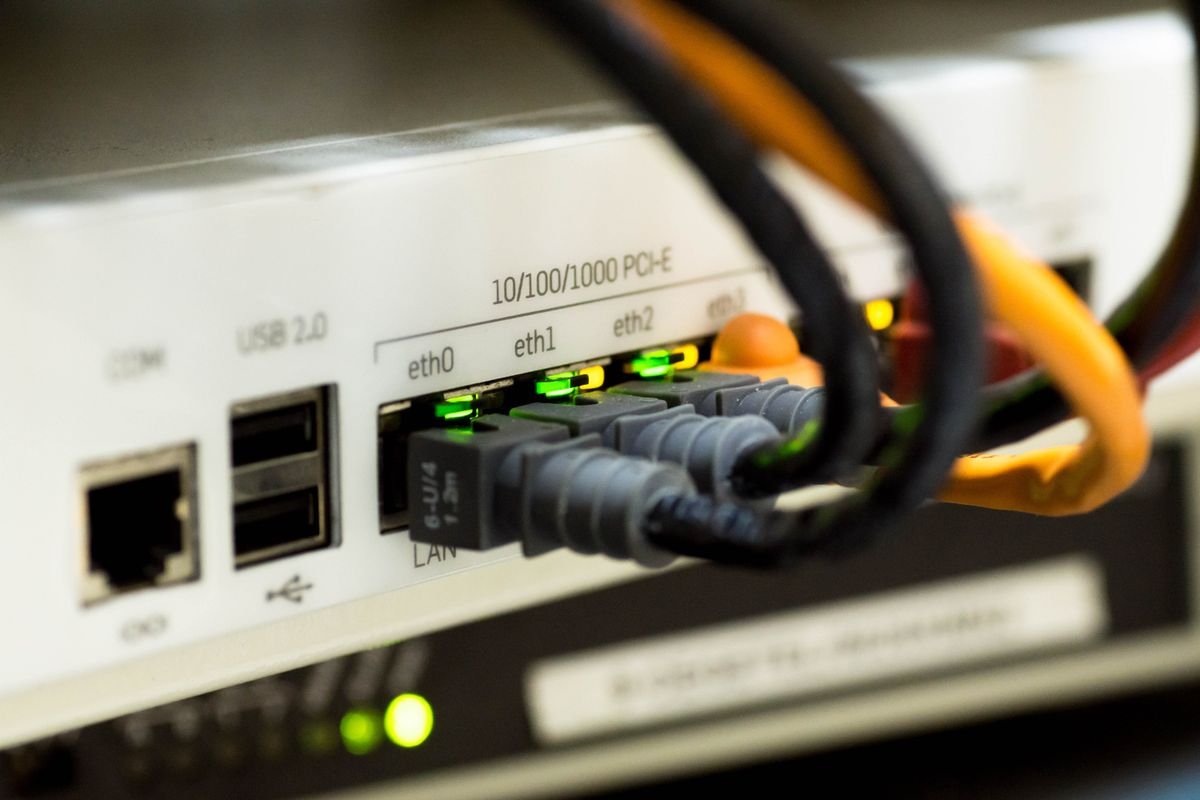
A router has a WAN port for the PTCL fibre device, and LAN ports for a computer or TV by cable. If those ports are rated at 100 Mbps, your speed can never go above 100 Mbps, no matter how fast your package is. Gigabit ports are rated at 1,000 Mbps, so they never hold your package back. Always check for “Gigabit WAN/LAN” on the specification sheet before you pay. To compare packages, see our guide to PTCL internet packages at https://urbanunion.news/ptcl-internet-packages-2026/.
How to Set Up Your New Router with PTCL Fibre
First, connect the new router to the PTCL fibre device with the cable in the box, into the new router’s WAN port. Second, switch off the WiFi on the PTCL device or ask PTCL to put it in bridge mode. Third, open the router setup page and set a WiFi name and strong password. Fourth, give the 5 GHz band a different name from the 2.4 GHz band. You can check your package and bill details in our guide at https://urbanunion.news/how-to-check-ptcl-bill-online-in-pakistan/.
Checklist Before You Buy
Check your PTCL package speed first, and buy a router with Gigabit ports if it is above 100 Mbps. Match the router to your home: dual-band WiFi 5 for a family flat, and a cheap WiFi 4 router only for a small flat with one or two users. Buy from a seller who gives a warranty and a receipt, verify the price before paying, and set a strong WiFi password when you install it.
Frequently Asked Questions
Which is the best WiFi router under 10000 in Pakistan?
The TP-Link Archer C6 at around Rs 8,849. If your fibre package is above 100 Mbps, the Ruijie RG-EW1300G at around Rs 8,499 is the better choice.
Do I need a WiFi 6 router in Pakistan?
No. A good WiFi 5 router is enough for most PTCL packages today, and WiFi 6E and WiFi 7 are not authorised or widely available in Pakistan yet.
Can a router increase my internet speed?
No. A router cannot give you more speed than your package allows, but a good one stops wasting the speed you pay for.
How do I know if my router is slowing my fibre connection?
Run a speed test on your phone next to the router. If the result sits close to 100 Mbps on a faster package, your router probably has 100 Mbps ports.