
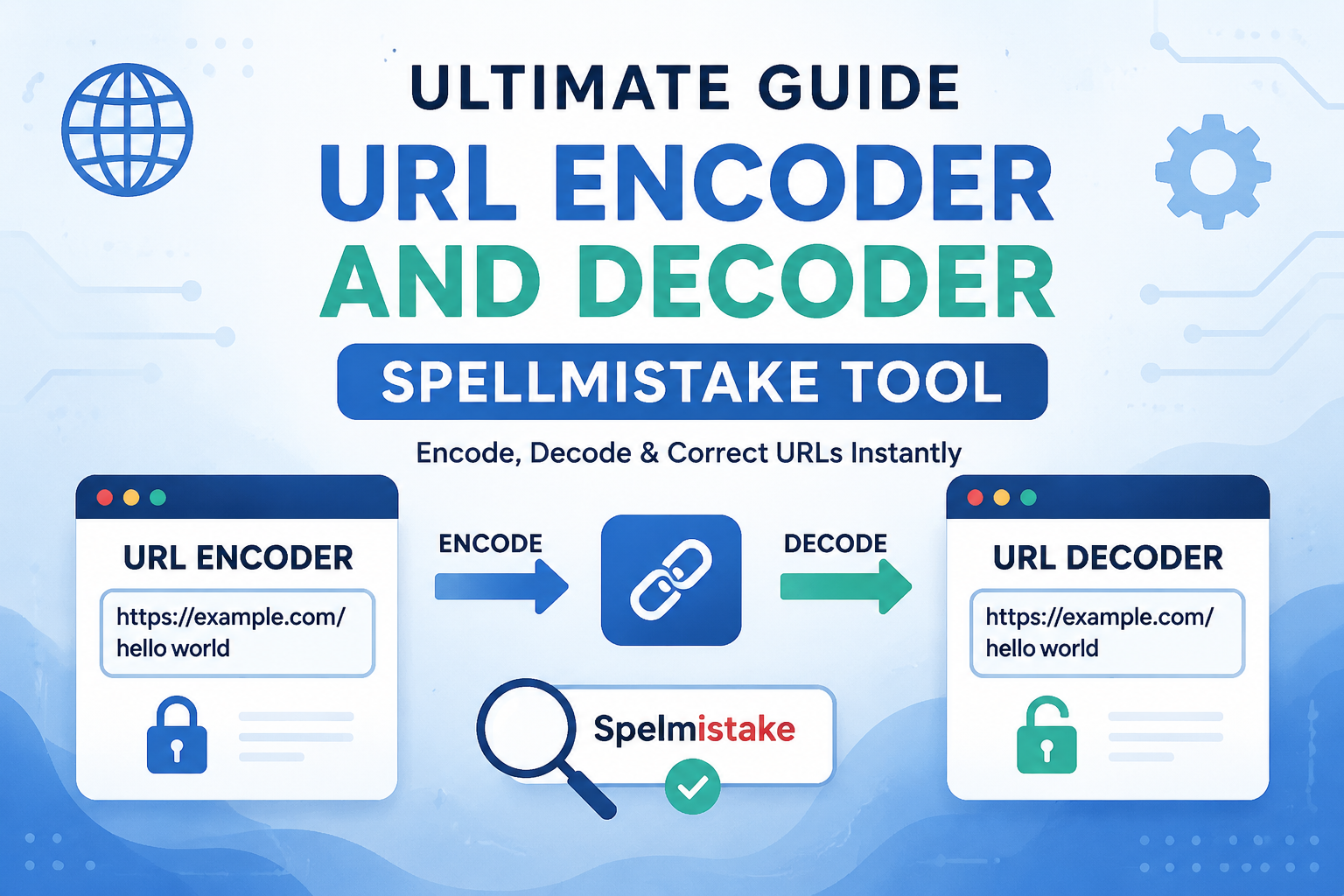
In today’s digital world, URLs are everywhere. Whether you are developing websites, handling APIs, or sharing links, understanding URL encoding and decoding is essential. Many people face problems like broken links, errors in query strings, or miscommunication between web servers and browsers. Using a URL encoder and decoder tool can solve these issues quickly and accurately.
This guide explains everything about URL encoding and decoding, how to use tools properly, common spelling mistakes, and best practices to make your URLs safe, readable, and functional.
What is URL Encoding?
URL encoding, also known as percent encoding, is the process of converting characters into a format that can be transmitted over the Internet. URLs can only contain certain characters. For example:
- Letters (A-Z, a-z)
- Numbers (0-9)
- Reserved characters (like
:,/,?,&)
Any other character, such as spaces, special symbols, or non-English letters, must be encoded. For example:
- Space →
%20 @→%40#→%23
This ensures that the URL can be read by browsers and servers without errors.
Example:
Original URL: https://example.com/search?query=hello world
Encoded URL: https://example.com/search?query=hello%20world
URL encoding is essential for safe data transmission, especially in query strings, forms, and API requests.
What is URL Decoding?
URL decoding is the reverse process. It converts encoded URLs back to their original, readable format.
Example:
Encoded URL: https://example.com/search?query=hello%20world
Decoded URL: https://example.com/search?query=hello world
Decoding is useful when you receive encoded URLs from forms, APIs, or external links and need to display or process them in a readable format.
Why Do You Need a URL Encoder and Decoder Tool?
Manually encoding and decoding URLs can be tricky, especially with complex links, multiple special characters, or long query strings.
Here’s why using a tool is recommended:
- Accuracy: Tools prevent mistakes in encoding special characters.
- Time-saving: You can quickly encode or decode long URLs without manual calculation.
- Error prevention: Proper encoding avoids broken links, 404 errors, and API failures.
- Ease of use: Even non-programmers can handle URLs correctly.
- Spelling mistake correction: Many users type
url decorder,url encorder, orurl decode toolincorrectly. A good online tool handles the correct process automatically.
How to Use a URL Encoder Tool
Using a URL encoder is simple. Most online tools work with just a few steps:
- Open a URL encoder tool.
- Paste your original text or URL into the input box.
- Click Encode or Convert.
- Copy the encoded URL for use in websites, APIs, or emails.
Example:
Original text: Hello World! @2026
Encoded: Hello%20World%21%20%402026
Tip: Always check that reserved characters like ? and & in your URL are handled properly.
How to Use a URL Decoder Tool
Decoding is just as easy:
- Open a URL decoder tool.
- Paste the encoded URL or text.
- Click Decode or Convert.
- Copy the original, readable URL for use.
Example:
Encoded URL: https://example.com/search?query=Hello%20World%21%20%402026
Decoded: https://example.com/search?query=Hello World! @2026
URL decoding is especially helpful when debugging links from APIs, web forms, or social media.
Common Spelling Mistakes in URL Encoder/Decoder
Many users make simple spelling mistakes while searching for tools. Search engines may not show the best results if the spelling is wrong.
Common mistakes:
url encorder→ wrong spelling of encoderurl decorder→ wrong spelling of decoderurl decode→ missing context (use “tool”)url encoder decoder→ sometimes typed asurl encorder decorder
Correct spelling:
- URL Encoder
- URL Decoder
- URL Encoder Decoder Tool
Using the correct spelling ensures you find reliable tools and guides.
When to Use URL Encoding
You should encode URLs in several situations:
- Query strings: When sending data in URLs like
?name=John Doe&city=New York. Spaces and&must be encoded. - Form submission: Browsers automatically encode form data in GET requests. Understanding encoding helps prevent errors.
- APIs: REST APIs often require encoded URLs for parameters. For example, JSON or XML data may contain special symbols.
- Email links: Sending URLs via email requires proper encoding to avoid broken links.
- Special characters: Any symbol outside letters and numbers (
#,@,%,+) needs encoding.
When to Use URL Decoding
URL decoding is useful in these cases:
- Reading encoded links: When you receive
%20,%40, or%23in a URL. - Debugging: Developers often decode URLs to check if query strings are correct.
- Database storage: Some systems store encoded URLs; decoding helps read them later.
- Displaying links: When showing URLs to users, decoding makes them readable.
URL Encoding in Programming Languages
Different languages handle URL encoding with built-in functions.
JavaScript:
let encoded = encodeURIComponent("Hello World!");
let decoded = decodeURIComponent(encoded);
Python:
import urllib.parse
encoded = urllib.parse.quote("Hello World!")
decoded = urllib.parse.unquote(encoded)
PHP:
$encoded = urlencode("Hello World!");
$decoded = urldecode($encoded);
These functions ensure correct encoding and decoding automatically.
URL Encoding Best Practices
- Always encode special characters: Avoid manual mistakes.
- Encode query parameters separately: Do not encode the full URL at once; encode parameters individually.
- Use HTTPS links: Encoding does not replace secure protocols.
- Avoid double encoding: Don’t encode already encoded URLs.
- Use reliable tools: Free online tools can save time, especially for long or complex URLs.
Advantages of URL Encoder and Decoder Tools
- Error prevention: Avoid broken links or server errors.
- Quick results: Paste text and get instant encoding or decoding.
- Multi-platform: Works on desktop, mobile, and tablet browsers.
- No programming needed: Non-developers can use them easily.
- Handles complex strings: Useful for special characters, emojis, or international characters.
URL Encoder and Decoder Tool Use Cases
- Web Developers: Handle form data and query strings accurately.
- SEO Specialists: Encode URLs for campaigns, links, and redirects.
- Digital Marketers: Create safe UTM links for analytics.
- Bloggers: Share links on multiple platforms without errors.
- API Users: Encode parameters to avoid 400/500 errors in requests.
Avoiding Errors in URLs
Even with a tool, you need to follow some rules:
- Do not add extra spaces.
- Use the correct protocol (
httporhttps). - Encode each query parameter separately.
- Always decode before debugging.
- Check the final URL before publishing.
Difference Between URL Encoding and Base64 Encoding
Sometimes beginners confuse URL encoding with Base64 encoding.
- URL Encoding: Converts special characters to
%XXformat. Used for URLs. - Base64 Encoding: Converts data to a text string using A-Z, a-z, 0-9,
+,/. Often used for images or secure tokens.
Both are important but serve different purposes.
Popular URL Encoder and Decoder Tools Online
These tools help encode or decode URLs with correct spelling, no errors, and instant results.
Conclusion
A URL Encoder and Decoder Tool is essential for anyone handling URLs, links, or web-based data. It prevents errors, saves time, and makes web communication smooth.
Always remember:
- Use correct spelling: URL Encoder, URL Decoder
- Encode special characters for safe links
- Decode URLs when you need readable results
- Check query strings before publishing or sharing
With these tools, developers, marketers, and general users can manage URLs effectively, avoid broken links, and ensure smooth operation of websites, emails, and APIs.
FAQs
1. What is a URL encoder tool?
A URL encoder tool converts special characters in URLs into a safe format that browsers and servers can understand.
2. What is a URL decoder tool?
A URL decoder tool converts encoded URLs back to their original, readable format.
3. When should I use URL encoding?
Use it for query strings, form data, APIs, email links, and URLs with special characters.
4. What are common spelling mistakes?
url encorder, url decorder, url decode (without “tool”) are wrong. Correct spelling is URL Encoder, URL Decoder.
5. Can non-developers use URL encoder and decoder tools?
Yes, these online tools are simple and do not require programming knowledge.

2 Comments
Please let me know if you’re looking for a author for your site.
You have some really great articles and I think I would be a good asset.
If you ever want to take some of the load off, I’d really like to write some articles for your blog in exchange for a link back to mine.
Please blast me an e-mail if interested. Cheers!
Yes We Alow Author Account But its Paid.